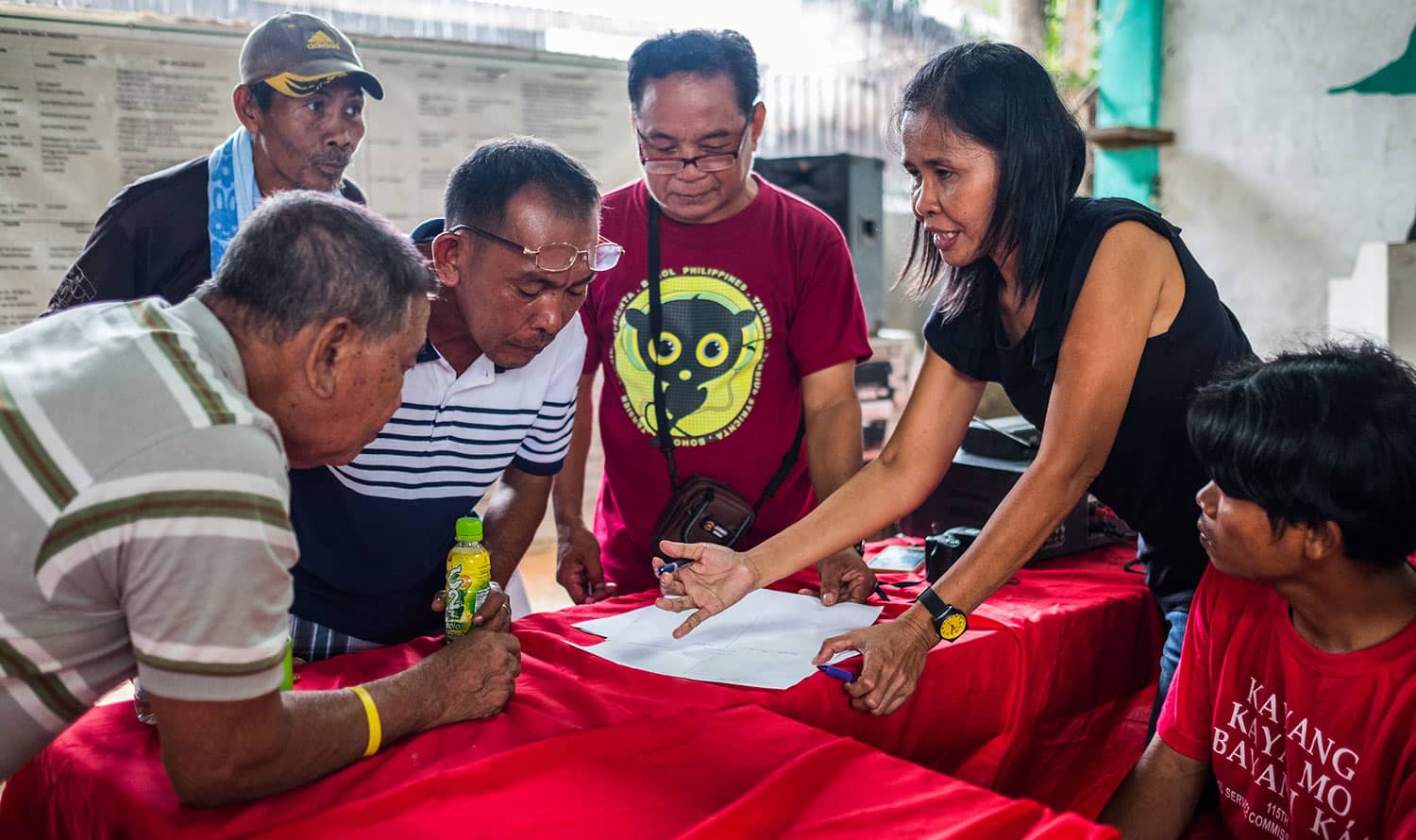
Conservation is development. USAID works in nearly 60 countries to conserve biodiversity, leverage private sector funds, fight conservation crime, and support sustainable fisheries—all of which help partner countries build resilience and shape their futures. BiodiversityLinks showcases the most recent products, projects, and news from USAID’s work around the world.
Explore by Topic
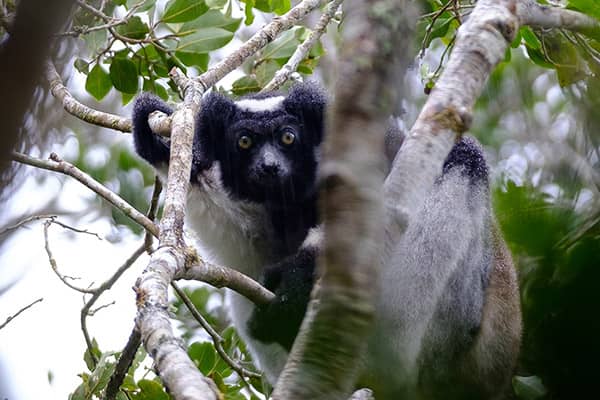
Wildlife
Healthy wildlife populations are integral to the well-being and cultural heritage of people around the world. The survival of iconic species—like elephants, corals, great apes, or jaguars—depends on conservation.
Read More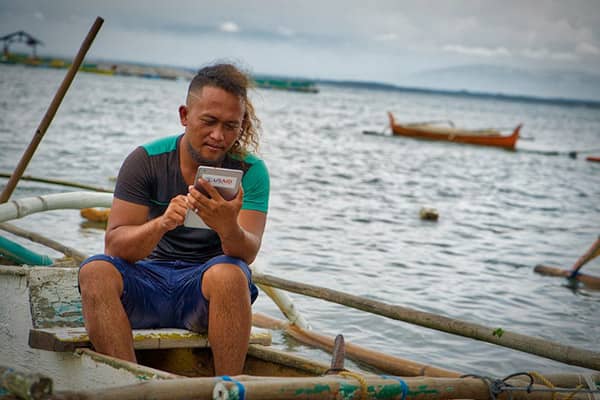
Marine and Fisheries
USAID strengthens resource governance and management, combats illegal fishing, promotes seafood traceability, improves food security and inclusive development, empowers women, enhances resilience, and diversifies financial strategies for achieving durable change.
Read More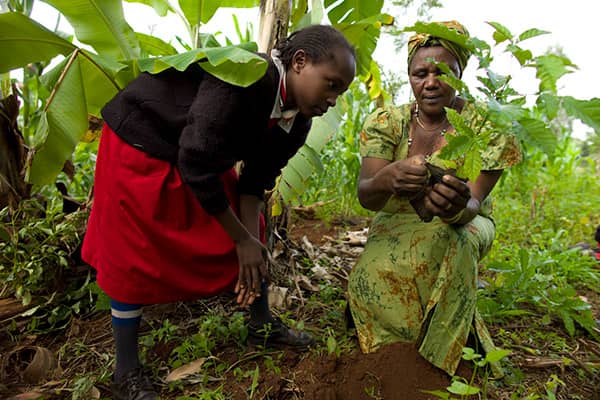
Forestry
USAID partners with about 45 countries to protect, restore, and manage their forests while reducing poverty and improving lives.
Read More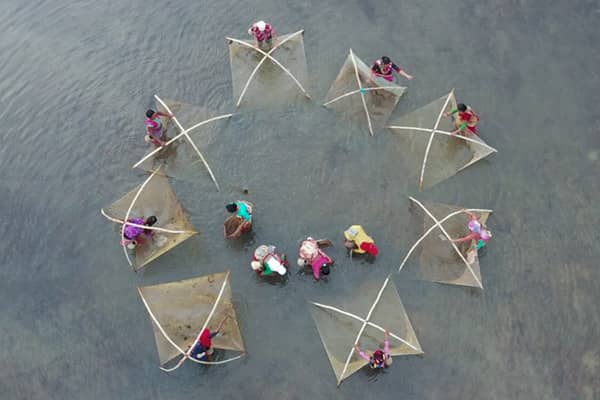
Cross-sectoral Integration
USAID prioritizes working across sectors and building the evidence base for integrated programming. When we work together across sectors, we can achieve more sustainable and resilient outcomes for people and for the planet we call home.
Read More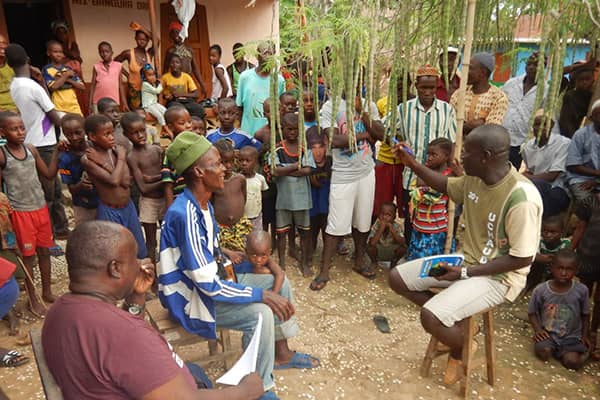
Adaptive Management
Adaptive management is an intentional approach to making decisions and adjustments in response to new information and changes in context.
Read More
Key Resources
USAID has produced in-depth guidance and tools to support biodiversity programming throughout the program cycle.
LEARNING & EVIDENCE
Learning Group Resources
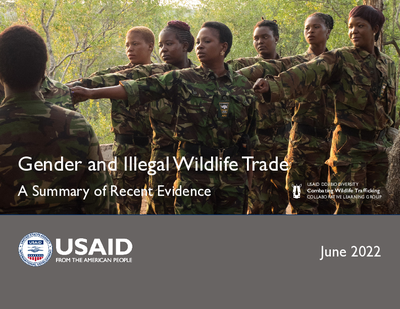
Evidence Collections
Evidence collections contain curated resources on specific biodiversity conservation topics to support evidence-based decision-making for improved programming.
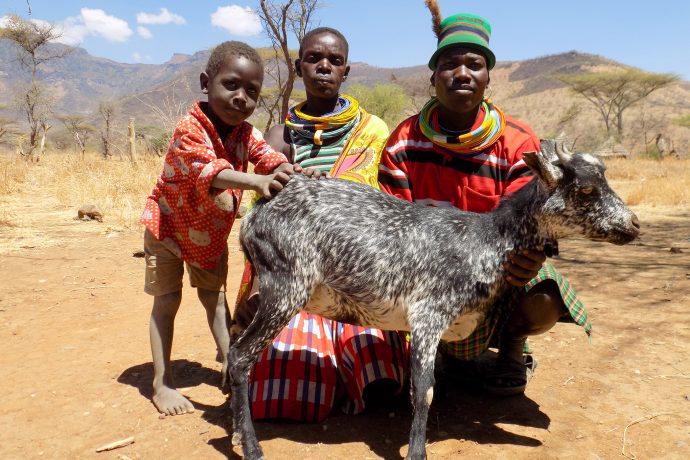
One Health Evidence Collection
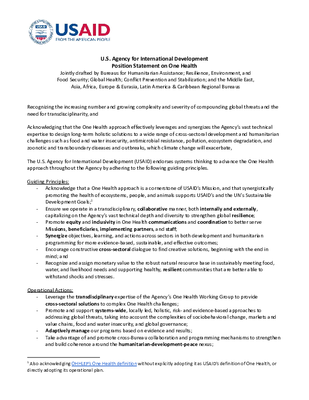
One Health is an integrated, unifying approach that aims to sustainably balance and optimize the health of people, animals and ecosystems. It recognizes the health of humans, domestic and wild animals, plants, and the wider environment (including ecosystems) are closely linked and inter-dependent.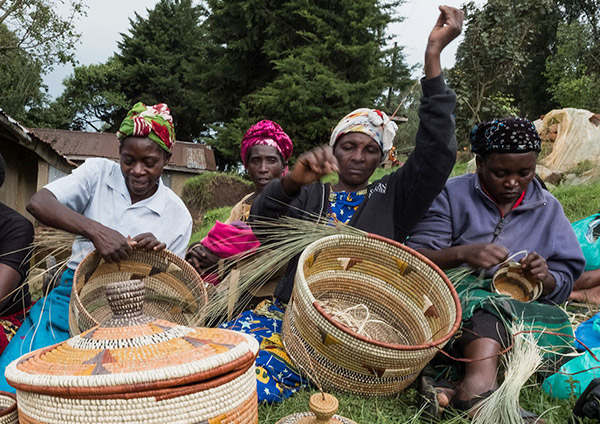
Collaborative Learning Group
Conservation Enterprises Evidence Collection
Conservation enterprise approaches are used extensively in USAID biodiversity programming, yet little information has been collected in a systematic way to test key assumptions regarding the effectiveness of this approach.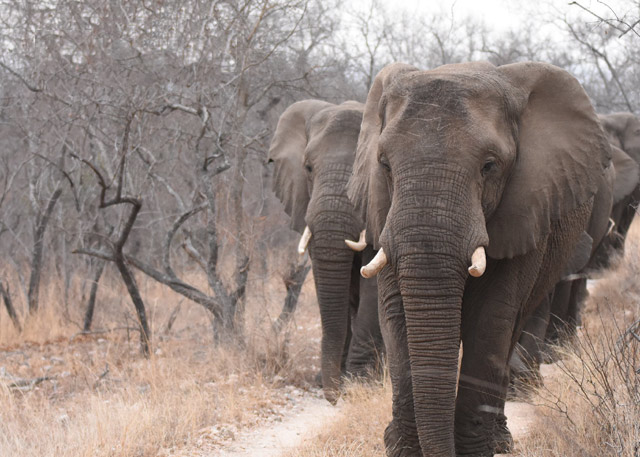
Collaborative Learning Group
Combating Wildlife Trafficking Evidence Collection
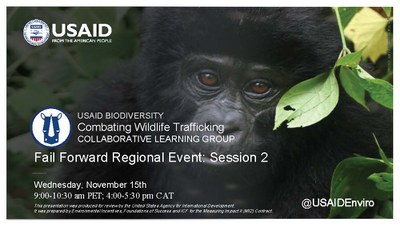
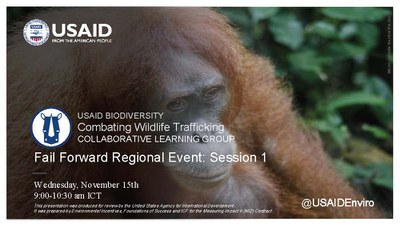
The CWT Learning Group is focused on building a knowledge base around how best to build capacity for law enforcement, reduce consumer demand, and improve community engagement to combat wildlife crime.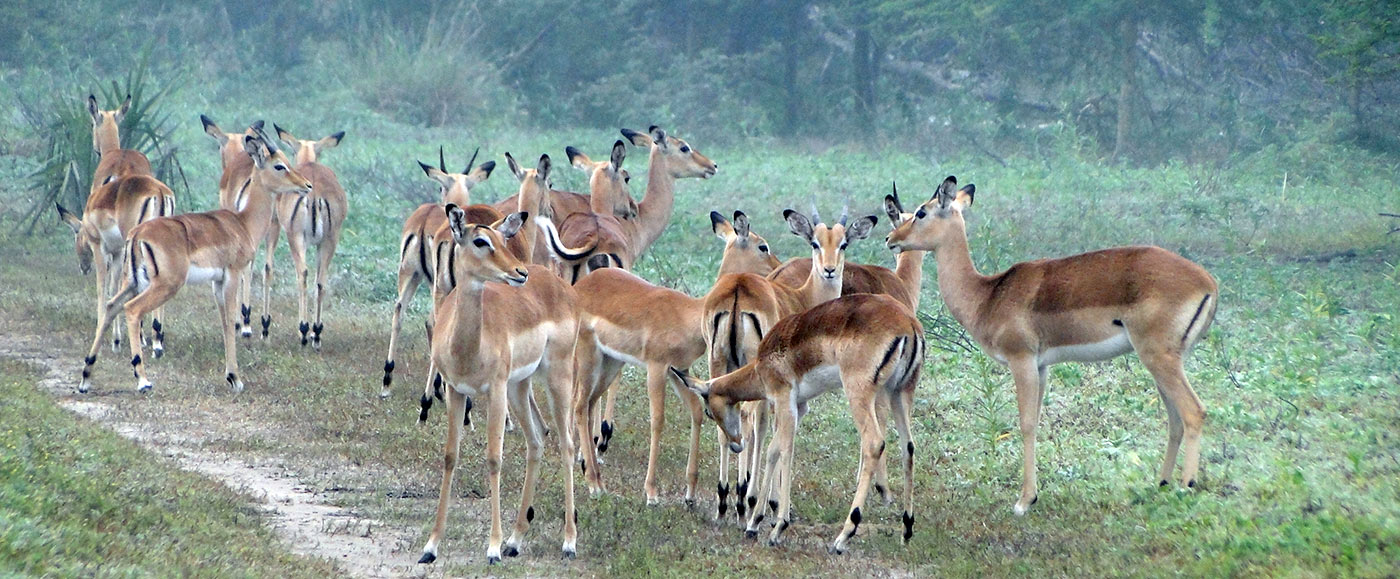
Collaborative Learning Group