
NMO Module 2 – Search the Portal for Content
by
webadmin
—
last modified
Jan 10, 2013 11:47 AM
Description of how to search the RM portal to find content

Search the Portal for Content1. To search for content within the portal, click in the Search field, located in the top left portal column. 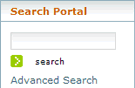
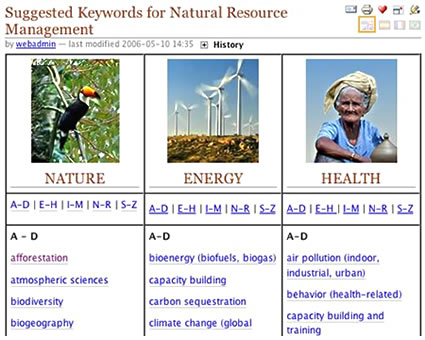
2. Type the word that you want to search for, and click the search button. A list of content items that contain the word you are searching for will be listed. 3. Click on one of the items in the list to go to that content item. 4. Alternately, click on the Suggested Keywords link, located under the search box, and you will be presented with a list of keywords prepared by portal editorial staff, that can be used to help formulate your search. Click on a keyword, and a list of content items that contain the word you are searching for will be listed. Click on one of the items in the list to go to that content item.
|
 |
 |