How to Use Forums
by
Portal Web Editor
—
last modified
May 08, 2020 04:00 AM
How to use the CRID forums.
Accessing the Forums
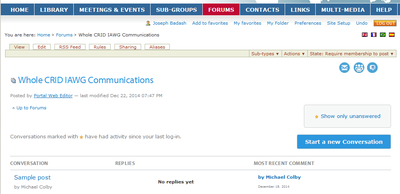
There are two ways to access Forums
1. From inside the individual group workspaces
- Navigate to the desired group
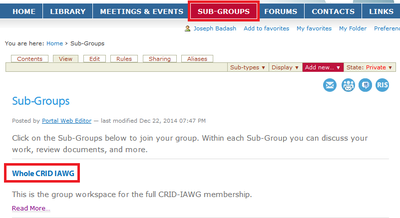
- Click the forum link
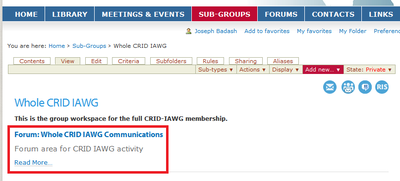
- A General Forum has been creating to support each sub group inside the CRID IAWG Portal
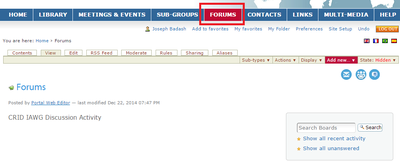
2. Click directly on the Forum Tab
::::::::::::::::::::::::
Working inside the Forums
1. Reply to Existing Conversations
Inside each Forum members can Reply to existing conversations
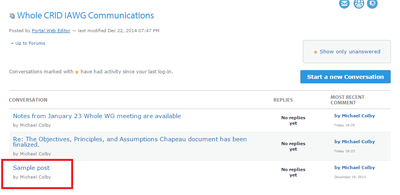
- To Reply, click on an existing conversation
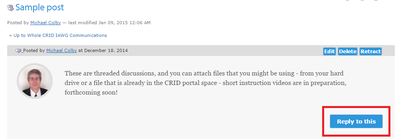
- After reading the post (s): Click Reply
2. Create new conversations
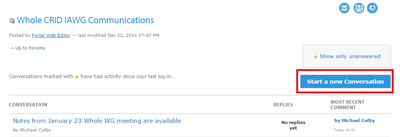
Members can also Create new conversations
- Click on Forum Tab:
- Click on Start Conversation
::::::::::::::::::::::::
Searching inside Forums
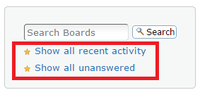
You can search for forums, conversations, and replies using the Search Utility
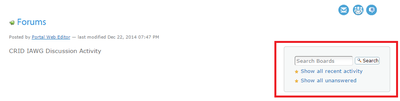
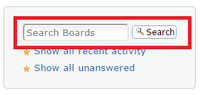
1. Type Keywords into the search box
2. Or click on the Show all recent activity or Show all unanswered links