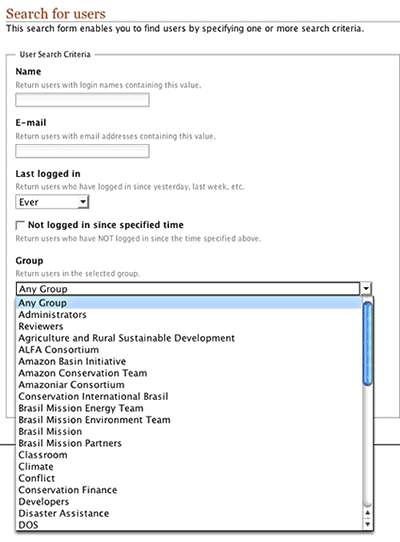
Steps to locate a portal member:
1. Click the members tab.
2. You can search by Name: type the full or partial name of the
member you wish to find.
3. You can search by email address.
4. You can search by Last logged in time: the dropdown
menu selection includes: Yesterday, Last week, Last
month, Ever
5. Click the search button. Members who meet your search criteria
will be listed.
 6.
Click on a members name or picture to visit that member’s information,
in their My folder work area. 6.
Click on a members name or picture to visit that member’s information,
in their My folder work area.
A logged in member has additional search options
available:
1. You can search for members within a group by selecting a group
from the Groups dropdown menu.
2. You can search by member roles: Member, Reviewer, Manager,
or Owner.
Note: Clicking the search button without entering ANY information
will result in all published portal members being listed. |